
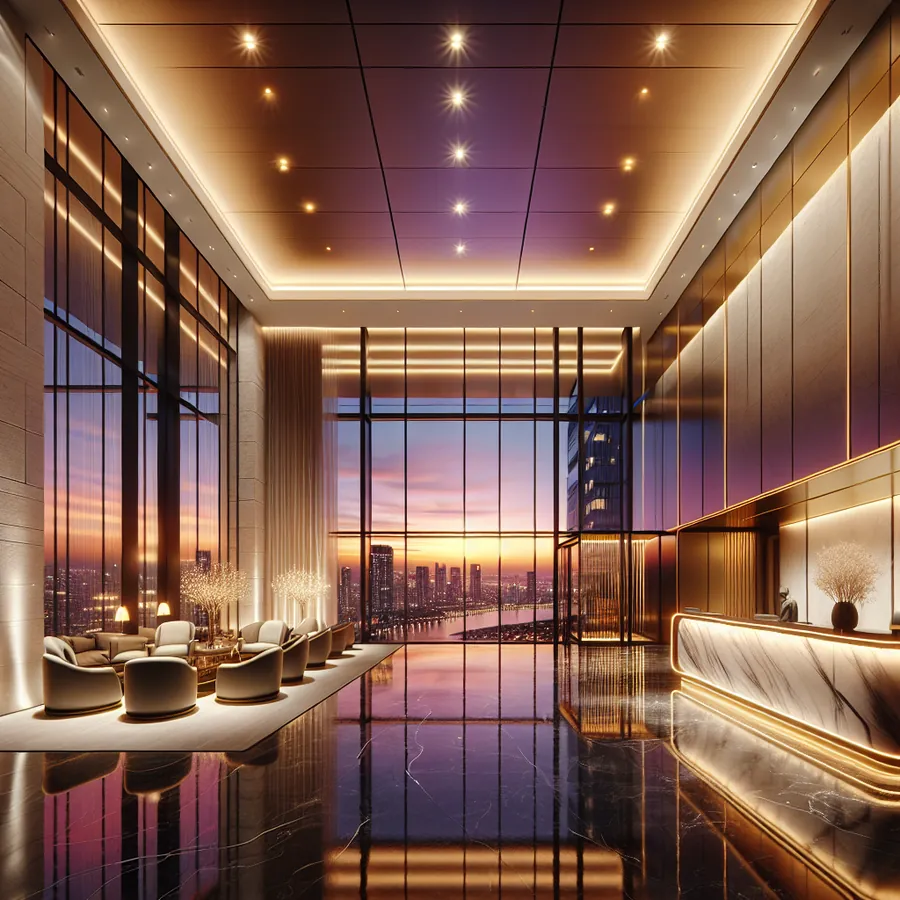
HomeWorks in a Condo or Apartment Building: How It Works
Lutron HomeWorks is not only a single-house system. It runs whole buildings: a processor per residence or a shared one, common areas on their own schedule, and residents who can never touch each other's lights. If you sit on a condo board, are buying into a building that has it, or are a developer being asked "can Lutron handle 200 units?", this is what it looks like when it is done right.
We have been a HomeWorks dealer since 1999. The building projects that go well are the ones where processor selection, network layout and resident isolation were decided on paper before the first unit was wired — and the ones that go badly are the ones where a house system was stretched to a building. Here is the difference.
Why HomeWorks QS Dominates the MDU Market
The multi-dwelling unit segment presents unique challenges that consumer-grade smart home systems simply cannot address. You're dealing with:
- Scalability requirements spanning hundreds of individual units
- Common area integration that must operate independently yet cohesively
- Network isolation ensuring resident privacy and system security
- Maintenance accessibility for property management teams
- Future-proofing for technology upgrades over building lifecycles
HomeWorks QS addresses each of these concerns through its enterprise-grade architecture while maintaining the luxury experience residents expect in premium developments.
Processor Selection Guide
| Unit Count | Recommended Processor | Max Devices | Common Area Support |
|---|---|---|---|
| 1-50 units | HQP6-2 | 64 | Limited |
| 51-100 units | HQP6-4 | 128 | Moderate |
| 101-200 units | HQP6-8 | 256 | Full |
| 200+ units | Multiple HQP6-8 (networked) | Unlimited | Enterprise |
Network Topology Options
| Configuration | Best For | Complexity | Cost Factor |
|---|---|---|---|
| Single Processor | Boutique buildings (<50 units) | Low | $ |
| Distributed Processors | Mid-rise developments | Medium | $$ |
| Networked Multi-Processor | High-rise towers | High | $$$ |
| Hybrid Cloud-Connected | Mixed-use developments | Very High | $$$$ |
Phase 1: Pre-Construction Planning
Step 1: Conduct a Comprehensive Load Analysis
Before breaking ground, work with the electrical engineer to document every lighting circuit, motorized shade location, and HVAC integration point. For MDU applications, we recommend creating a master spreadsheet that tracks:
- Unit number and floor
- Circuit count per unit
- Shade motor specifications
- Thermostat requirements
- Common area zones
Step 2: Design the Network Infrastructure
HomeWorks QS requires dedicated network infrastructure. In MDU applications, this typically means:
- Dedicated VLAN for lighting control
- Managed switches with QoS prioritization
- Fiber backbone for buildings exceeding 10 floors
- Redundant pathways for critical common areas
Step 3: Establish Unit Isolation Protocols
This is where many integrators stumble. Each residential unit must operate as an independent system while sharing infrastructure with common areas. Configure:
- Separate addressing schemes per unit
- Firewall rules preventing cross-unit communication
- Individual resident app access credentials
- Property management override capabilities
Phase 2: Rough-In Installation
Step 4: Install Backbone Wiring
For MDU applications, we strongly recommend running dedicated Cat6A to each unit's electrical panel location. This provides:
- Future bandwidth headroom
- PoE capability for auxiliary devices
- Simplified troubleshooting
Step 5: Position Processor Locations
Centralized processor rooms should be:
- Climate controlled (65-75°F)
- Accessible to maintenance staff
- Equipped with UPS backup
- Located to minimize cable runs
Step 6: Rough-In Device Locations
Coordinate with the general contractor to ensure:
- Proper box depths for Palladiom keypads
- Adequate clearance for shade fascia systems
- Conduit pathways for future expansion
Phase 3: Device Installation and Programming
Step 7: Install and Address All Devices
Using Lutron's Designer software, systematically address each device following a logical naming convention:
[Building]-[Floor]-[Unit]-[Room]-[Device Type]-[Number]
Example: TOWER1-FL12-1204-MBR-KP-01
Step 8: Create Unit Templates
For efficiency in MDU applications, develop master programming templates for each unit type. A typical luxury unit template includes:
- Welcome scene (all lights to 70%, shades open)
- Goodnight scene (all lights off, shades closed)
- Away mode (random lighting patterns)
- Entertainment preset (living room dimmed, shades lowered)
Step 9: Program Common Areas
Common areas require sophisticated scheduling and occupancy-based control:
- Lobby lighting tied to astronomical clock
- Parking garage with motion-activated zones
- Amenity spaces with reservation system integration
- Emergency lighting override protocols
Phase 4: Commissioning and Handover
Step 10: System Verification
Conduct comprehensive testing including:
- Individual device response verification
- Scene execution timing
- Network failover testing
- Emergency override functionality
Step 11: Create Documentation Packages
Prepare three distinct documentation sets:
- Resident Package: Simple operation guides, app setup instructions
- Property Management Package: Override procedures, scheduling modifications
- Technical Package: Complete system architecture, programming backups
Compatibility Matrix: Third-Party Integrations
| Integration Type | Compatible Systems | Connection Method | Complexity |
|---|---|---|---|
| HVAC Control | Lutron Palladiom, Nest Pro, ecobee | Direct/API | Low-Medium |
| Audio/Video | Control4, Crestron, Savant | IP/RS232 | Medium |
| Access Control | Salto, ASSA ABLOY, Brivo | API/Relay | Medium-High |
| Building Management | Tridium Niagara, Honeywell | BACnet/IP | High |
| Voice Control | Amazon Alexa, Google Home, Apple HomeKit | Cloud API | Low |
| Security | DSC, Honeywell Vista, Elk | Serial/IP | Medium |
The Future: AI and Smart Home Evolution in MDU Applications
The convergence of artificial intelligence and building automation is reshaping what's possible in multi-dwelling environments. Here's what forward-thinking developers and integrators should prepare for:
Predictive Maintenance
AI algorithms analyzing HomeWorks QS system data can predict component failures before they occur. Imagine receiving an alert that Unit 1847's dimmer module shows degradation patterns suggesting failure within 30 days — allowing proactive replacement during scheduled maintenance.
Occupancy Learning
Machine learning models trained on anonymized occupancy patterns can optimize common area lighting and HVAC, reducing energy consumption by 15-25% while maintaining resident comfort.
Voice-First Interfaces
As natural language processing improves, residents will interact with their units conversationally. "Make it cozy" will trigger personalized scenes learned from individual preferences over time.
Digital Twin Integration
Building information modeling (BIM) combined with real-time HomeWorks QS data creates digital twins enabling remote diagnostics, virtual commissioning, and augmented reality maintenance support.
Energy Grid Participation
Future MDU installations will participate in demand response programs, with HomeWorks QS automatically adjusting loads during peak grid stress — generating revenue for building owners while supporting sustainability goals.
Frequently Asked Questions
Q: Can residents customize their HomeWorks QS settings without affecting other units?
A: Absolutely. Each unit operates as an isolated system with its own programming space. Residents can modify scenes, adjust fade rates, and create new presets through the Lutron app without any possibility of affecting neighboring units. Property management retains override capability for emergency situations only.
Q: What happens if the main processor fails in an MDU installation?
A: HomeWorks QS devices maintain local intelligence, meaning lights and shades continue operating at their last commanded state. Keypads retain scene functionality. For critical applications, we recommend redundant processor configurations with automatic failover — a topic we've discussed extensively in our IxomeAI community forums.
Q: How do you handle unit turnover and new resident onboarding?
A: We establish a standardized reset procedure that returns units to default programming while preserving infrastructure settings. New residents receive fresh app credentials, and property management can restore the welcome template within minutes. This process is detailed in our MDU management best practices thread.
Q: Can HomeWorks QS integrate with building-wide access control systems?
A: Yes, and this integration creates powerful automation possibilities. When a resident badges into the building, their unit can begin executing a welcome sequence — adjusting temperature, raising shades, and setting lighting to preferred levels before they reach their door.
Q: What's the typical ROI timeline for HomeWorks QS in luxury MDU developments?
A: Premium developments report 3-7% rental premiums for smart-enabled units, with energy savings of 20-30% in common areas. Most projects achieve ROI within 4-6 years, with the system adding measurable value to property assessments throughout its 15-20 year lifespan.
Q: How does HomeWorks QS handle firmware updates across hundreds of devices?
A: Lutron's update architecture allows scheduled, staged rollouts during low-activity periods. Property management can update common areas independently from residential units, and individual units can be updated during vacancy periods to minimize resident disruption.
Ready to Elevate Your MDU Project?
Navigating the complexities of HomeWorks QS in multi-dwelling applications requires expertise that goes beyond standard residential installations. Every building presents unique challenges — from legacy infrastructure constraints to developer aesthetic requirements.
Chat with our AI agent for tailored setup recommendations specific to your project parameters. Whether you're specifying a 50-unit boutique building or a 500-unit mixed-use tower, our intelligent assistant can help you identify the optimal configuration, anticipate integration challenges, and set out what can be handled remotely versus what needs somebody on site.
