Ixome — the future of home automation. Older system? We upgrade it remotely.Can my system be upgraded? →See it live →
IXome
← Back to Community
RadioRA 3 vs HomeWorks QS: The Complete Expert Comparison Guide for 2026

RadioRA 3 vs HomeWorks QS: The Complete Expert Comparison Guide for 2026

@IxomeExpert11 min read

When it comes to premium whole-home lighting control, Lutron stands alone at the pinnacle of the industry. But choosing between their flagship systems—RadioRA 3 and HomeWorks QS—can feel like navigating a maze without a map. Both deliver exceptional performance, stunning aesthetics, and rock-solid reliability, yet they serve distinctly different needs, budgets, and project scales.

At IxomeAI, we've helped countless homeowners and integrators navigate this critical decision. Today, we're pulling back the curtain on everything you need to know to make the right choice for your smart home journey.

Understanding the Lutron Ecosystem: Where RadioRA 3 and HomeWorks QS Fit

Before diving into specifications and features, it's essential to understand the philosophy behind each system. Lutron designed RadioRA 3 as a powerful yet accessible solution for homes that demand premium lighting control without the complexity of enterprise-level infrastructure. HomeWorks QS, meanwhile, represents Lutron's ultimate expression of lighting control—a system engineered for estates, luxury residences, and commercial applications where no compromise is acceptable.

Think of it this way: RadioRA 3 is the high-performance sports car that delivers thrilling capability to enthusiasts, while HomeWorks QS is the hand-built supercar reserved for those who demand absolute perfection regardless of cost.

System Architecture: The Foundation of Your Smart Lighting

RadioRA 3 Architecture

RadioRA 3 operates on Lutron's proprietary Clear Connect RF technology, utilizing a decentralized wireless architecture. The system centers around the RadioRA 3 processor, which serves as the brain of your installation. This processor communicates wirelessly with dimmers, switches, keypads, and sensors throughout your home.

Key architectural elements include:

  • Main Repeater: Required for every installation, handles up to 100 devices
  • Auxiliary Repeaters: Extend coverage for larger homes
  • Wireless Communication: 434 MHz Clear Connect RF with AES-128 encryption
  • Cloud Connectivity: Built-in for remote access and voice control integration

HomeWorks QS Architecture

HomeWorks QS employs a hybrid wired/wireless architecture that provides unmatched flexibility and scalability. The system utilizes QS Link communication for wired connections and Clear Connect for wireless devices, all managed by sophisticated processors.

Key architectural elements include:

  • Processor Options: Multiple processor tiers for different project scales
  • QS Link: Wired communication backbone supporting massive device counts
  • Clear Connect Integration: Wireless capability for retrofit applications
  • Enterprise-Grade Networking: Advanced diagnostics and redundancy options

Complete Compatibility Comparison Table

Feature RadioRA 3 HomeWorks QS
Maximum Devices 100 per processor 10,000+ per system
Processor Options Single model Multiple tiers
Wired Backbone No Yes (QS Link)
Wireless Devices Yes (Clear Connect) Yes (Clear Connect)
Maximum Zones 100 Virtually unlimited
Shade Support Yes (up to 100) Yes (unlimited)
HVAC Integration Basic Advanced
Audio Integration Partner systems Deep integration
Keypads Available Sunnata, Pico Designer, Palladiom, Alisse
Dimmer Styles Sunnata, Diva Extensive portfolio
Scene Complexity Standard Advanced with conditional logic
Time Clock Events Yes Yes (more sophisticated)
Astronomical Clock Yes Yes
Occupancy Response Yes Yes (more options)
Energy Monitoring Basic Comprehensive
Third-Party Control Yes Yes (more protocols)
Programming Software Lutron Designer HomeWorks QS Software
DIY Programming Limited No
Professional Required Recommended Mandatory

Integration Capabilities Comparison

Integration Type RadioRA 3 HomeWorks QS
Apple HomeKit Native Via integration
Google Home Native Via integration
Amazon Alexa Native Via integration
Control4 Yes Yes (deeper)
Crestron Yes Yes (deeper)
Savant Yes Yes (deeper)
Sonos Yes Yes
Lutron Ketra No Yes
GRAFIK Eye QS No Yes
Sivoia QS Shades Yes Yes (full line)
Palladiom Shades No Yes
DALI Lighting No Yes
DMX Lighting No Yes
0-10V Fixtures Limited Extensive

Step-by-Step Guide: Choosing the Right System

Step 1: Assess Your Project Scale

Begin by counting your lighting zones. A zone represents any independently controlled light or group of lights. Walk through your home and identify:

  • Individual switched fixtures
  • Recessed lighting groups
  • Under-cabinet lighting runs
  • Landscape lighting zones
  • Accent lighting locations

Decision Point: If your total zone count exceeds 100, HomeWorks QS becomes necessary. For projects under 100 zones, RadioRA 3 remains viable.

Step 2: Evaluate Your Shade Requirements

Automated shades dramatically impact system selection. Consider:

  • Total window count requiring motorization
  • Shade types needed (roller, honeycomb, drapery)
  • Integration with lighting scenes
  • Aesthetic requirements for hardware

Decision Point: If you desire Lutron's premium Palladiom shading system or require more than 100 shade zones, HomeWorks QS is your path forward.

Step 3: Determine Integration Depth

Modern smart homes rarely exist in isolation. Evaluate your integration needs:

  • Will you use a dedicated home automation processor (Control4, Crestron, Savant)?
  • Do you require DALI or DMX fixture control?
  • Is Ketra tunable lighting on your wishlist?
  • Will the system integrate with building management systems?

Decision Point: Deep third-party integration and specialty lighting protocols favor HomeWorks QS. Standard voice control and basic automation work beautifully with RadioRA 3.

Step 4: Consider Aesthetic Preferences

Both systems offer stunning hardware, but with different portfolios:

RadioRA 3 provides:

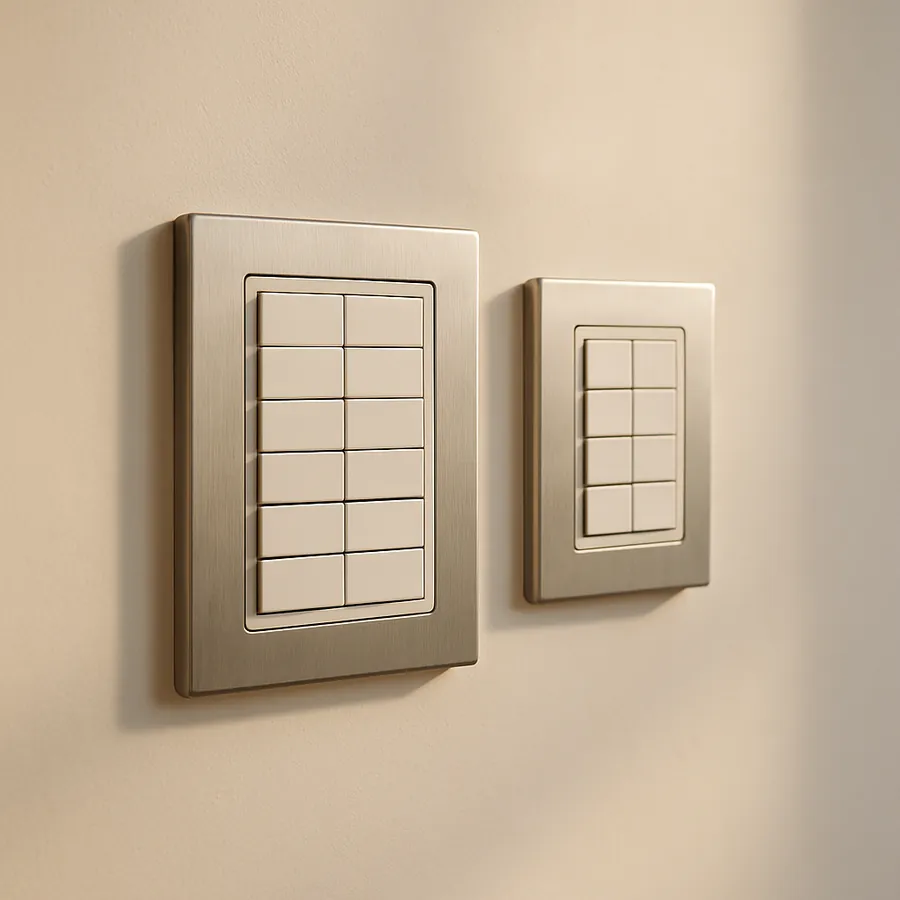
  • Sunnata keypads and dimmers with modern aesthetics
  • Pico remotes for convenient control
  • Clean, contemporary design language

HomeWorks QS offers:

  • Alisse wall stations with OLED displays
  • Palladiom keypads in premium finishes
  • Designer keypads with endless customization
  • International-style plates and mechanisms

Decision Point: If your interior design demands the absolute finest finishes or international-style devices, HomeWorks QS delivers options RadioRA 3 cannot match.

Step 5: Analyze Budget Reality

Transparency matters. Here's what to expect:

RadioRA 3 Investment:

  • Entry-level whole-home: $15,000 - $30,000
  • Mid-range installation: $30,000 - $60,000
  • Comprehensive system: $60,000 - $100,000+

HomeWorks QS Investment:

  • Entry-level installation: $50,000 - $100,000
  • Mid-range estate: $100,000 - $250,000
  • Luxury residence: $250,000 - $1,000,000+

Decision Point: Budget constraints often make this decision straightforward. HomeWorks QS commands a significant premium that must align with project expectations.

Step 6: Plan for Future Expansion

Smart homes evolve. Consider:

  • Planned additions or renovations
  • Outdoor living space development
  • Guest house or accessory dwelling units
  • Changing family needs

Decision Point: If significant expansion is planned, HomeWorks QS provides virtually unlimited growth potential. RadioRA 3's 100-device limit, while generous, creates a ceiling.

Real-World Application Scenarios

Scenario 1: The 4,000 Square Foot Family Home

Profile: Modern construction, 45 lighting zones, 20 automated shades, Apple ecosystem preference, $40,000 budget.

Recommendation: RadioRA 3

Rationale: This project falls squarely within RadioRA 3's sweet spot. The zone count provides headroom for expansion, native HomeKit integration satisfies the ecosystem preference, and the budget aligns perfectly with a comprehensive installation.

Scenario 2: The 12,000 Square Foot Estate

Profile: New construction, 180 lighting zones, 60 automated shades, Crestron backbone, Ketra fixtures in key spaces, unlimited budget.

Recommendation: HomeWorks QS

Rationale: Zone count alone exceeds RadioRA 3 capacity. Ketra integration requires HomeWorks QS. The Crestron backbone benefits from HomeWorks QS's deeper integration capabilities.

Scenario 3: The Urban Penthouse

Profile: High-rise residence, 55 lighting zones, floor-to-ceiling motorized shades, premium finish requirements, $75,000 budget.

Recommendation: HomeWorks QS

Rationale: Despite fitting within RadioRA 3's device limits, the aesthetic requirements for Palladiom shading hardware and Alisse keypads necessitate HomeWorks QS. The budget supports this elevated approach.

Frequently Asked Questions

Can I upgrade from RadioRA 3 to HomeWorks QS later?

Unfortunately, these systems are not directly compatible. While some wireless devices share Clear Connect technology, the processors, programming, and wired infrastructure differ fundamentally. Upgrading typically requires significant hardware replacement. Choose wisely from the start.

Does RadioRA 3 work with Lutron's Caseta devices?

No. Despite both using Lutron's Clear Connect technology, RadioRA 3 and Caseta operate on different protocols and cannot share devices. RadioRA 3 requires its specific device family.

Which system offers better reliability?

Both systems deliver exceptional reliability backed by Lutron's industry-leading reputation. HomeWorks QS's wired backbone provides additional redundancy for critical applications, but RadioRA 3's wireless architecture has proven remarkably dependable in countless installations.

Can I program RadioRA 3 myself?

Lutron provides the RadioRA 3 Designer software to certified professionals. While technically accessible, the programming requires training and certification. HomeWorks QS programming is exclusively available to authorized dealers with advanced training.

How do both systems handle power outages?

Both systems recover gracefully from power interruptions. Scenes and settings are stored in non-volatile memory. Upon power restoration, devices return to their previous states or configurable default positions.

Which system integrates better with voice assistants?

RadioRA 3 offers native integration with Apple HomeKit, Google Home, and Amazon Alexa—no additional hardware required. HomeWorks QS achieves voice control through integration processors or partner platforms, adding complexity but maintaining full functionality.

What warranty coverage applies?

Lutron provides an industry-leading warranty for both systems. Specific terms vary by product category, but Lutron's commitment to standing behind their products remains consistent across their portfolio.

Can both systems control landscape lighting?

Absolutely. Both RadioRA 3 and HomeWorks QS integrate beautifully with landscape lighting through appropriate outdoor-rated modules and fixtures. HomeWorks QS offers additional options for large-scale landscape installations.

Making Your Final Decision

The RadioRA 3 versus HomeWorks QS decision ultimately reflects your project's unique requirements, aesthetic aspirations, and investment capacity. RadioRA 3 delivers remarkable capability at accessible price points, making premium lighting control achievable for a broader audience. HomeWorks QS represents the pinnacle of residential lighting control, reserved for projects where excellence knows no bounds.

Neither choice is wrong—only mismatched to specific needs. A modest home burdened with HomeWorks QS complexity wastes resources. An estate constrained by RadioRA 3 limitations creates frustration.

Let IxomeAI Guide Your Decision

Still uncertain which system matches your vision? Our AI-powered assistant specializes in navigating these complex decisions. Chat with our intelligent agent to receive personalized recommendations based on your specific project parameters, integration requirements, and budget considerations.

Whether you're a homeowner beginning your smart home journey or an integrator seeking clarity for a client project, IxomeAI provides the expert guidance you need. Start a conversation today and discover the perfect Lutron solution for your unique situation.

Your dream lighting control system awaits—let's find it together.

Ready to go Pro?

Priority agent access, done-for-you upgrades, and a real quote for your home.

Let's Talk with Einstein