
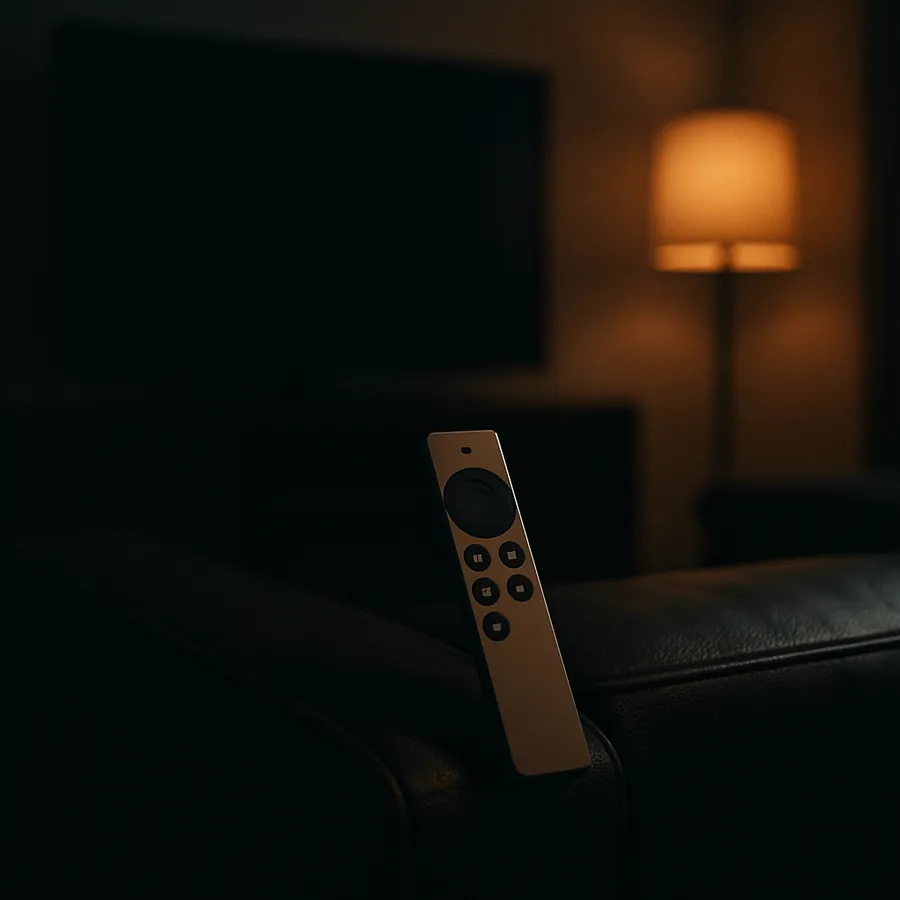
A Simple, Apple TV-Style Remote for Control4
The Control4 remote many homes were given has around fifty buttons. When what the household actually wants is the handful of buttons on an Apple TV remote (play, volume, back), there are several ways to get there, and one of them may already be on the coffee table. Here is each option, from Control4's, Apple's and Lutron's own pages, with what it needs and where it falls short.
Control4's own remotes
| Remote | What it is | Power | Control4 OS |
|---|---|---|---|
| Halo (C4-HALO-BL) | 2.8" screen (not touch) with backlit hard buttons; Wi-Fi; voice through Siri on an Apple TV, or Xfinity | Rechargeable, USB-C dock | 3.3.2 or later |
| Halo Touch | 3.2" touchscreen plus hard buttons, aluminum | Rechargeable | 3.3.2 or later |
| SR260 | The older 50-button remote with a small OLED screen; Zigbee radio | 4 AA batteries, or an optional rechargeable pack and charging station (rechargeable AAs are not supported) | 2.7.0 or later |
Sources: Halo data sheet · Halo Touch data sheet · SR260 listing. Snap One's store also still lists the Neeo remote in silver; the black one is marked legacy (Control4 remotes). Prices are shown to dealers only, and Halo is sold only through Control4's authorized dealers.
Halo is the closest Control4 makes to an Apple TV remote: hard buttons you can find without looking, and a screen for the rest. It is still a remote for the whole system, though, and the controller has to be on OS 3.3.2 or later. On an older system that's an upgrade first; which Control4 controllers can be upgraded lists each model's ceiling.
The Siri Remote you already have
If the Apple TV is the main thing people watch, its own remote may be enough. On the Apple TV, Settings, then Remotes and Devices, then Home Theater Control, then Volume Control lets the Siri Remote run the volume on a TV or receiver: over HDMI-CEC, by sending the receiver's or TV's infrared codes, or by learning them with Learn New Device (Apple: control your TV and receiver).
Where it falls short: the Siri Remote talks to the TV or the receiver, not to Control4. In a house where the volume lives in a Control4 amplifier or an audio matrix, the Siri Remote can't reach it. Apple documents no network control for it, and the infrared receiver on the front of a Control4 CORE controller is documented for learning remote codes, not as a live input for a handheld (CORE 3 installation guide).
A Lutron Pico
If the house has a Lutron system that Control4 already talks to, a Pico is the simplest handheld there is: a few buttons, no screen, and a coin battery Lutron rates at ten years (Lutron Pico). It works with Caséta, RadioRA 3 and HomeWorks, among others.
Control4's Lutron drivers for Caséta, RA2 Select and RadioRA 3 (Control4 OS 3.1 or later) bring Picos in as keypads, so a Pico button can be programmed in Control4 to turn a room's volume up or down, pause, or pick a source. Two limits come from the driver's own documentation:
- A Pico sends only "pressed" and "released", by Lutron's design; there is no hold or double-tap, as other keypads have.
- A Pico button only sends events if a load is tied to that button in the Lutron programming. A Pico that controls nothing on the Lutron side stays silent.
Both are programming details, not reasons to rule it out. Lutron also makes a Pico laid out for audio (PJ2-3BRL-Gxx-A02).
A wall keypad
A keypad by the sofa, with volume up, down and a couple of favorites, is the dull and reliable answer. It never needs charging and never goes missing. It isn't a handheld, which is usually the point of the question.
Choosing
- Volume is on the TV or a receiver, and the Apple TV is what gets watched: set up the Siri Remote first. It costs nothing.
- Volume is in a Control4 amplifier or matrix, and there's Lutron in the house: a Pico, programmed in Control4.
- The whole system should be on one handheld (lights, cameras, several sources): Halo, on a controller at 3.3.2 or later.
- Nobody wants to hunt for a remote: a wall keypad.
Programming a Pico, a keypad or Halo's buttons is a change in the Control4 project, and it can be done remotely. Remote Control4 programming, with prices lists what it costs.
