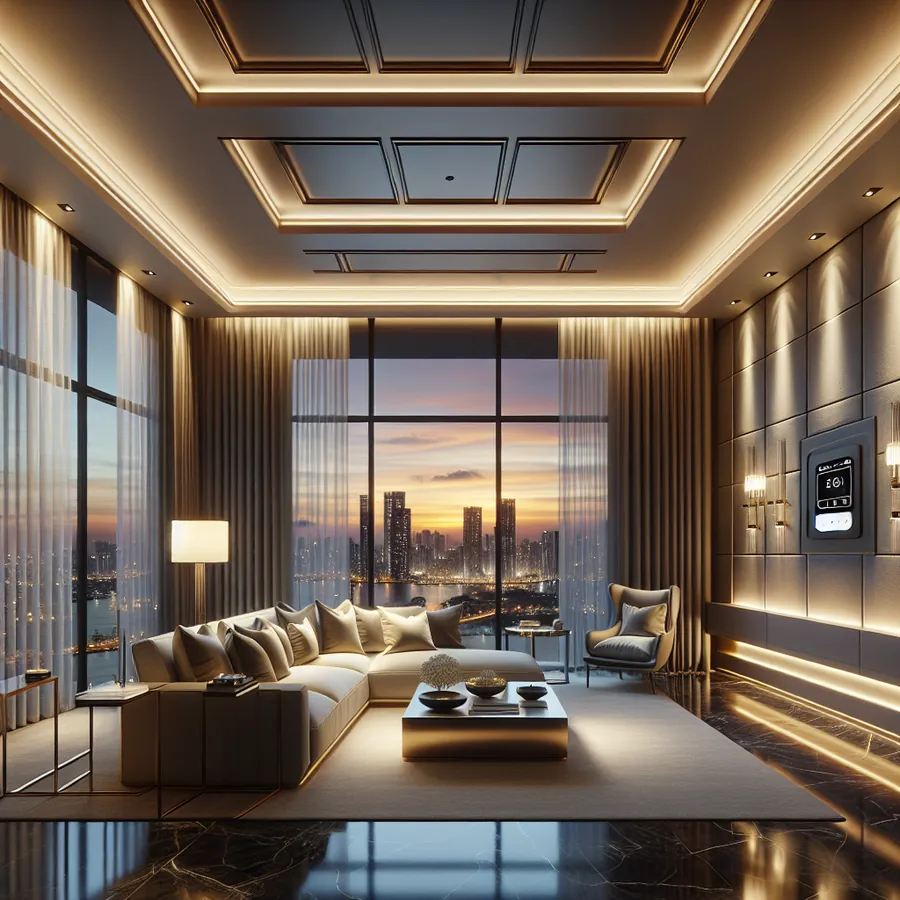
Advanced HomeWorks QS Scene Design for Luxury Clients: The Definitive Expert Guide
Imagine walking into a penthouse where the lighting shifts imperceptibly as the sun sets over the city skyline, where a single touch transforms a formal dining room into an intimate dinner party atmosphere, and where every scene transition feels less like technology and more like magic. This is the promise of Lutron HomeWorks QS—and for luxury clients, anything less than perfection simply won't do.
As certified HomeWorks dealers, we at IxomeAI have programmed hundreds of high-end residential projects, from Mediterranean estates to contemporary urban retreats. What separates a competent installation from a truly exceptional one isn't just the hardware—it's the artistry of scene design. In this comprehensive guide, we'll share the advanced techniques that transform HomeWorks QS from a lighting control system into an invisible concierge that anticipates your clients' every desire.
Understanding the Luxury Client Mindset
Before diving into technical specifications, let's address what luxury clients actually want. They're not buying a lighting control system—they're investing in an experience. They expect:
- Seamless operation that requires zero learning curve
- Aesthetic perfection with no visible compromises
- Personalization that reflects their unique lifestyle
- Reliability that never embarrasses them in front of guests
- Future-proofing that protects their investment
With these expectations in mind, let's explore how to deliver scene designs that exceed them.
HomeWorks QS System Compatibility Matrix
Before designing scenes, you need to understand what integrates with HomeWorks QS. Here's our comprehensive compatibility reference:
Lighting Load Compatibility
| Load Type | Compatible Modules | Max Load | Notes |
|---|---|---|---|
| LED (Dimmable) | HQP6-2D, HQP7-2D | 600W | Requires ELV or forward-phase dimming |
| Incandescent | HQP6-2D, HQP7-2D | 1200W | Standard forward-phase |
| MLV Transformers | HQP6-2D | 600VA | Magnetic low voltage |
| ELV Transformers | HQP6-2D | 600VA | Electronic low voltage |
| Fluorescent | HQP6-2D | 1200W | With 0-10V ballasts |
| Motor Loads | LQSE-4M-D | 1/4 HP | For shades and drapes |
| Switched Loads | HQP6-2S | 20A | Non-dimming applications |
Integration Partners
| System Type | Integration Method | Complexity | Luxury Appeal |
|---|---|---|---|
| Crestron | RS-232/IP | Advanced | ★★★★★ |
| Control4 | SDDP/IP | Moderate | ★★★★☆ |
| Savant | IP Control | Moderate | ★★★★★ |
| Sonos | Native Integration | Simple | ★★★★☆ |
| Ketra | Native (Lutron) | Simple | ★★★★★ |
| Palladiom Shades | Native | Simple | ★★★★★ |
| HVAC (BACnet) | IP Gateway | Advanced | ★★★☆☆ |
| Security Systems | Contact Closure | Moderate | ★★★★☆ |
For detailed integration discussions, visit our IxomeAI community thread on HomeWorks third-party integrations.
Step-by-Step: Designing a Signature Scene Collection
Let's walk through creating a comprehensive scene collection for a luxury primary suite—one of the most personal spaces in any home.
Step 1: Client Lifestyle Discovery
Before touching the software, conduct a thorough lifestyle interview:
- Morning routines: What time do they wake? Do they use an alarm or prefer gradual light?
- Evening patterns: Reading in bed? Watching television? Working late?
- Special occasions: Romantic evenings? Recovery from travel?
- Health considerations: Light sensitivity? Sleep disorders?
Document everything. The best scene designs emerge from understanding habits your clients don't even realize they have.
Step 2: Zone Architecture Planning
For a luxury primary suite, we typically recommend these zones:
PRIMARY SUITE ZONE ARCHITECTURE
├── Ambient Lighting
│ ├── Cove lighting (indirect)
│ ├── Wall wash fixtures
│ └── Decorative pendants
├── Task Lighting
│ ├── Reading sconces (his/hers)
│ ├── Vanity lighting
│ └── Closet illumination
├── Accent Lighting
│ ├── Art lighting
│ ├── Architectural features
│ └── Display niches
├── Natural Light Control
│ ├── Blackout shades
│ ├── Sheer shades
│ └── Drapes
└── Circadian Elements
└── Tunable white fixtures (Ketra)
Step 3: Scene Programming in HomeWorks QS Designer
Scene 1: "Good Morning" (Gradual Wake)
Trigger: Timeclock (30 minutes before alarm)
Transition: 20-minute fade
Zone Settings:
- Cove lighting: 15% @ 2700K
- Sheer shades: Open 50%
- Blackout shades: Remain closed
- Reading sconces: OFF
- Bathroom vanity: 30% @ 3000K
Scene 2: "Morning Bright" (Full Wake)
Trigger: Button press or voice command
Transition: 3-second fade
Zone Settings:
- Cove lighting: 80% @ 4000K
- All shades: Full open
- Task lighting: 100% @ 4000K
- Accent lighting: 50%
Scene 3: "Evening Relax"
Trigger: Astronomical timeclock (sunset + 30 min)
Transition: 45-minute fade
Zone Settings:
- Cove lighting: 40% @ 2400K
- Sheer shades: Closed
- Blackout shades: Open
- Accent lighting: 30% @ 2700K
- Reading sconces: Available at 25%
Scene 4: "Goodnight"
Trigger: Button press (bedside keypad)
Transition: 10-second fade
Zone Settings:
- All lighting: OFF
- All shades: Closed
- Pathway lighting: 5% (motion-activated)
- Bathroom nightlight: 3% @ 2200K
Step 4: Keypad Design and Button Assignment
For luxury clients, keypad design is crucial. We recommend the Palladiom keypad for its architectural elegance:
| Button Position | Scene Assignment | LED Indicator |
|---|---|---|
| Top | Good Morning | Warm white |
| Upper Middle | Morning Bright | Cool white |
| Center | Evening Relax | Amber |
| Lower Middle | Entertainment | Soft white |
| Bottom | Goodnight | Dim amber |
| Raise/Lower | Manual dimming | — |
Pro tip: Always include raise/lower buttons. Even with perfect scenes, luxury clients appreciate manual control options.
Step 5: Advanced Automation Triggers
Elevate your scenes with intelligent triggers:
- Astronomical timeclock: Scenes adjust automatically with sunrise/sunset
- Occupancy sensors: Pathway lighting activates for nighttime bathroom visits
- Contact closures: Closet lights activate when doors open
- Integration events: "Movie mode" triggers from AV system
- Geofencing: "Welcome home" scene activates on arrival
Explore more automation strategies in our IxomeAI community discussion on HomeWorks timeclock programming.
The Future: AI and Machine Learning in Scene Design
The smart home industry is evolving rapidly, and HomeWorks QS is positioned to embrace these changes. Here's what forward-thinking dealers should prepare for:
Predictive Scene Activation
Future systems will learn occupant patterns and activate scenes before they're requested. Imagine lighting that knows you always read in the study after dinner on Tuesdays—and prepares the space accordingly.
Circadian Rhythm Optimization
With Ketra's tunable white technology already integrated into HomeWorks, we're seeing the beginning of truly health-conscious lighting. Future iterations will incorporate:
- Sleep quality data from wearables
- Personalized color temperature curves
- Seasonal adjustment algorithms
- Jet lag recovery protocols
Voice AI Integration
While current voice control is command-based ("Alexa, set dining room to dinner party"), future systems will understand context:
- "The Johnsons are coming for dinner" → System recalls their previous visit preferences
- "I have a headache" → Lighting reduces to therapeutic levels
- "We're celebrating" → Festive scene with appropriate music integration
Energy Intelligence
AI will optimize scenes for energy efficiency without compromising experience:
- Real-time utility rate awareness
- Solar production integration
- Battery storage coordination
- Predictive load management
Stay updated on emerging technologies in our IxomeAI community AI and automation forum.
Frequently Asked Questions
Q: How many scenes can HomeWorks QS support per area? A: HomeWorks QS supports up to 100 scenes per area, though we typically program 8-15 for residential spaces. More isn't always better—clients appreciate curated simplicity over overwhelming options.
Q: Can scenes include audio and climate control? A: Yes, through integration with compatible systems. HomeWorks QS can trigger events in Crestron, Control4, Savant, and other platforms, creating truly unified scenes that encompass lighting, shades, audio, HVAC, and more.
Q: What's the difference between HomeWorks QS and RadioRA 3 for luxury projects? A: HomeWorks QS offers greater scalability (up to 10,000 devices), more sophisticated programming options, and enterprise-grade reliability. For estates over 5,000 square feet or clients demanding the absolute best, HomeWorks QS remains the gold standard.
Q: How do I handle scene transitions for open floor plans? A: Use "scene groups" that coordinate multiple areas simultaneously. Program transition times carefully—adjacent spaces should fade together to avoid jarring visual boundaries.
Q: Can clients modify scenes themselves? A: The Lutron app allows basic adjustments, but we recommend limiting client access to prevent accidental changes. Offer quarterly "scene refresh" visits as part of your service agreement.
Q: What's the best approach for artwork lighting in scenes? A: Art lighting should typically remain consistent across scenes at 30-50% to prevent UV damage while maintaining visual impact. Use separate zones so art lighting operates independently from ambient scenes.
Elevating Your HomeWorks Practice
Mastering advanced scene design isn't just about technical proficiency—it's about understanding the intersection of technology, design, and human behavior. The best HomeWorks installations disappear into the architecture while profoundly enhancing daily life.
At IxomeAI, we're committed to supporting dealers and integrators in delivering exceptional experiences. Whether you're troubleshooting a complex integration or seeking inspiration for your next luxury project, our community and AI-powered tools are here to help.
Have a specific HomeWorks challenge? Chat with our AI agent for tailored setup recommendations based on your exact project requirements. Our system understands HomeWorks QS architecture and can provide instant guidance on everything from load calculations to scene programming strategies.
Ready to take your HomeWorks expertise to the next level? IxomeAI Pro members gain access to exclusive programming templates, advanced integration guides, and priority support from certified Lutron specialists. Explore Pro membership and join the community of elite smart home professionals delivering extraordinary experiences to the world's most discerning clients.

