
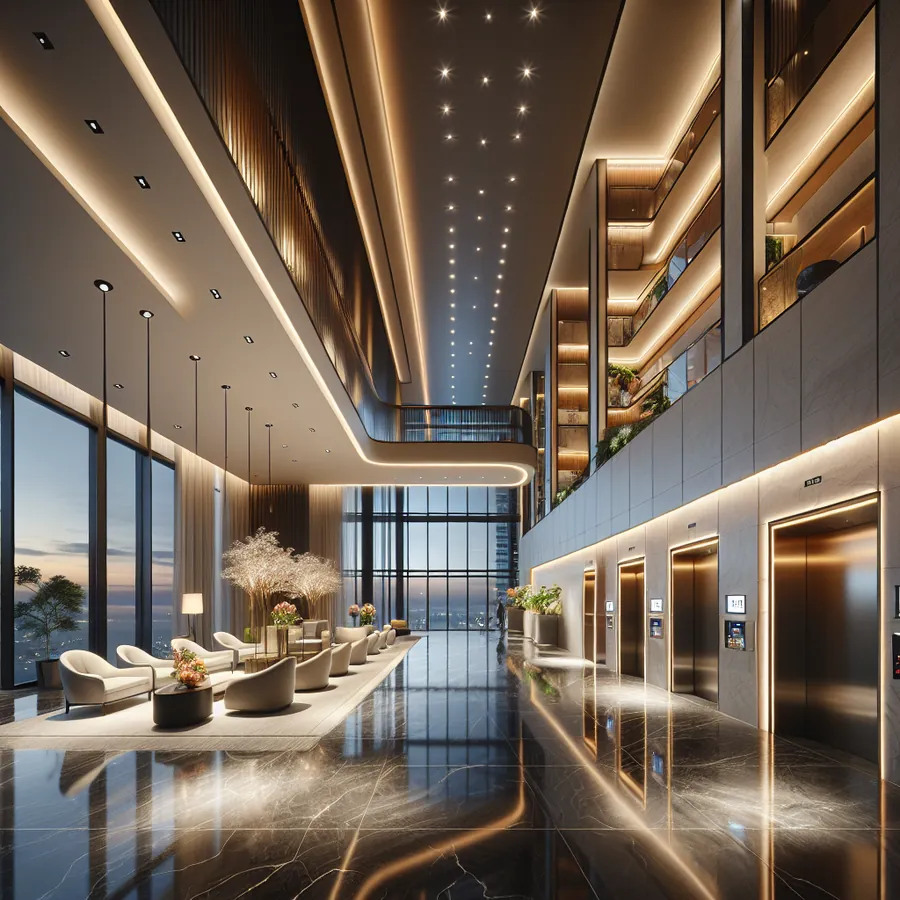
HomeWorks Lighting for Mixed-Use Buildings, Explained
A hotel lobby below, residences above, and one lighting system that has to satisfy both — commercial code and a building-management system on one floor, a homeowner who wants "Dinner" on a keypad on the next. Lutron HomeWorks is one of the few platforms that does both in the same building without two contractors and two systems.
This is how a mixed-use HomeWorks project is put together: what the architecture looks like, how it ties into BACnet and the building side, how residents get their own scenes without being able to touch the common areas, and where the projects we have seen go wrong. Written for the owner, the board, or the developer who has to sign off on it — not the installer.
Why Hybrid Projects Demand HomeWorks QS
The Lutron HomeWorks QS platform occupies a unique position in the lighting control ecosystem. Unlike purely residential systems that lack scalability or commercial platforms that sacrifice user experience, HomeWorks QS delivers enterprise-grade reliability wrapped in residential-friendly interfaces.
For hybrid projects, this translates to:
- Unified programming across commercial and residential zones
- Consistent aesthetic with matching keypads and interfaces throughout
- Scalable architecture supporting hundreds of zones without performance degradation
- Integration flexibility connecting to BMS systems, AV equipment, and security platforms
System Compatibility Matrix
Before diving into integration strategies, let's examine what plays nicely together in hybrid environments:
Processor Compatibility
| Processor Model | Max Zones | Commercial Suitable | Residential Suitable | Hybrid Rating |
|---|---|---|---|---|
| QSX | 512 | ✓ Excellent | ✓ Excellent | ★★★★★ |
| QS Standalone | 64 | ✓ Good | ✓ Excellent | ★★★★☆ |
| QS with QSE-IO | 128+ | ✓ Excellent | ✓ Good | ★★★★★ |
Integration Protocol Support
| Protocol | Commercial Use | Residential Use | Hybrid Benefit |
|---|---|---|---|
| BACnet | Primary BMS integration | Limited | Essential for building management |
| Lutron Integration Protocol | Full support | Full support | Universal control |
| LEAP API | Supported | Supported | Modern app development |
| Contact Closure | Extensive | Moderate | Legacy system bridging |
| RS-232 | AV integration | AV integration | Unified entertainment |
| Telnet/IP | Automation systems | Smart home hubs | Cross-platform control |
Dimmer and Switch Compatibility
| Device Type | Commercial Loads | Residential Loads | Notes |
|---|---|---|---|
| LQSE-4A-D | ✓ | ✓ | Adaptive dimming, ideal for mixed loads |
| LQSE-2S-D | ✓ | ✓ | Switching module for non-dim loads |
| QSE-CI-NWK-E | ✓ | ✓ | Contact input for occupancy/daylight |
| Palladiom Shades | ✓ | ✓ | Premium aesthetic for both environments |
Phase 1: System Architecture Planning
Step 1: Define Zone Boundaries
Start by mapping your project into logical zones. In hybrid projects, we typically see:
- Public commercial zones: Lobbies, corridors, amenity spaces
- Private commercial zones: Offices, conference rooms, back-of-house
- Residential common areas: Hallways, parking, shared amenities
- Private residential units: Individual apartments or condos
Step 2: Establish Network Topology
For projects exceeding 100 zones, implement a distributed processor architecture:
- Deploy a primary QSX processor for commercial areas
- Install secondary QSX or QS processors for residential wings
- Connect processors via QS Link for unified control
- Establish IP connectivity for remote management
Step 3: Plan Integration Points
Document every system that needs to communicate with HomeWorks QS:
- Building Management System (BMS)
- Access control and security
- HVAC systems
- AV distribution
- Emergency lighting
- Shade control
Phase 2: Commercial Zone Configuration
Step 4: Configure BACnet Integration
For commercial zones requiring BMS integration:
- Enable BACnet/IP on the QSX processor
- Define BACnet objects for each controllable zone
- Map lighting scenes to BACnet binary values
- Configure occupancy and daylight harvesting feedback
- Test bidirectional communication with the BMS
Step 5: Implement Scheduling and Astronomical Timeclock
Commercial spaces benefit from automated scheduling:
- Program astronomical timeclock for sunrise/sunset events
- Create weekday/weekend schedules for common areas
- Establish holiday exceptions
- Configure after-hours override procedures
- Set maximum override durations for energy compliance
Step 6: Deploy Occupancy-Based Control
Integrate occupancy sensors for energy efficiency:
- Install QSE-CI-NWK-E contact input modules
- Connect occupancy sensor dry contacts
- Program vacancy timeout periods (typically 15-20 minutes for commercial)
- Create manual-on/auto-off behavior for code compliance
- Configure daylight harvesting where applicable
Phase 3: Residential Zone Configuration
Step 7: Design Personalized Scene Libraries
Residential zones demand flexibility:
- Create baseline scenes (Morning, Day, Evening, Night, Off)
- Program entertainment scenes (Movie, Dinner Party, Romance)
- Configure pathway lighting for nighttime navigation
- Establish panic/all-on functionality
- Design welcome home and goodbye sequences
Step 8: Configure Keypad Layouts
For residential keypads:
- Assign intuitive button labels
- Program LED feedback for scene status
- Enable raise/lower functionality on appropriate buttons
- Configure double-tap behaviors for advanced users
- Set up vacation randomization modes
Step 9: Enable App Control
Modern residents expect mobile control:
- Configure Lutron Connect access for each unit
- Establish user permissions and access levels
- Enable geofencing for automated arrival/departure
- Set up voice assistant integration (Alexa, Google, Siri)
- Configure remote access for property management
Phase 4: Hybrid Integration Points
Step 10: Unify Common Area Control
Bridge commercial and residential systems:
- Create shared scenes for amenity spaces
- Program elevator lobby transitions between zones
- Configure parking garage lighting with residential access integration
- Establish emergency lighting protocols across all zones
- Implement master override capabilities for property management
Step 11: Security System Integration
Connect lighting to security events:
- Program all-on response to alarm triggers
- Create pathway lighting for emergency egress
- Configure lockdown scenes for commercial zones
- Enable residential unit isolation during security events
- Integrate with access control for automated lighting on entry
The Future: AI and Smart Home Evolution
The integration landscape is evolving rapidly, and HomeWorks QS is positioned at the forefront of this transformation.
Machine Learning and Adaptive Lighting
Emerging AI capabilities are beginning to influence how we program hybrid systems:
- Predictive occupancy: Systems learning traffic patterns to pre-stage lighting
- Adaptive scenes: Automatic adjustment based on time of day, weather, and occupancy
- Energy optimization: AI-driven load balancing across commercial and residential zones
- Personalization engines: Learning individual preferences and applying them automatically
Voice and Natural Language Control
The next generation of control interfaces will feel conversational:
- Complex scene requests understood naturally
- Multi-zone commands executed seamlessly
- Contextual awareness improving response accuracy
- Multilingual support for diverse building populations
Digital Twin Integration
Future hybrid projects will leverage digital twin technology:
- Real-time visualization of lighting states across entire buildings
- Predictive maintenance alerts before failures occur
- Energy modeling and optimization recommendations
- Virtual commissioning reducing on-site programming time
Matter and Thread Compatibility
As the Matter standard matures, expect:
- Simplified device onboarding
- Enhanced interoperability with third-party devices
- Improved reliability through Thread mesh networking
- Unified control across previously incompatible ecosystems
For deeper discussions on emerging integration technologies, check out our IxomeAI community thread on future-proofing your HomeWorks installation.
Frequently Asked Questions
Q: Can HomeWorks QS handle both 0-10V commercial fixtures and residential LED dimmers?
A: Absolutely. The QSX processor supports multiple dimming protocols simultaneously. Use LQSE-4A-D modules for adaptive phase dimming on residential loads and QSE-CI-DMX or 0-10V interfaces for commercial fixtures. The system seamlessly coordinates both within unified scenes.
Q: What's the maximum distance between processors in a hybrid installation?
A: QS Link connections support up to 2,000 feet (610 meters) between processors using standard Cat5e cabling. For larger projects, IP connectivity eliminates distance limitations entirely, making campus-wide installations practical.
Q: How do we handle tenant turnover in residential units?
A: HomeWorks QS supports unit-level programming isolation. When tenants change, property management can reset individual units to default configurations without affecting neighboring spaces or common areas. User credentials can be revoked and reissued through the Lutron Connect platform.
Q: Is HomeWorks QS compliant with commercial energy codes like Title 24?
A: Yes. HomeWorks QS supports all major energy code requirements including automatic shutoff, daylight harvesting, occupancy-based control, and demand response. The system can generate compliance documentation for permit applications.
Q: Can residential owners customize their lighting without affecting commercial programming?
A: The system architecture supports complete separation of residential and commercial programming domains. Residential users can modify scenes, schedules, and preferences within their units while commercial zones remain locked to property management specifications.
Q: What happens during a network failure?
A: HomeWorks QS processors maintain local control even when network connectivity is lost. Keypads, sensors, and dimmers continue operating normally. Only remote access and cross-processor communication are affected until connectivity is restored.
Your Next Steps
Hybrid projects represent the cutting edge of lighting control, and getting them right requires expertise that goes beyond standard residential or commercial installations. Every project presents unique challenges—from coordinating with general contractors to integrating legacy systems.
Need personalized guidance for your specific project? Chat with our AI agent for tailored setup recommendations based on your exact requirements. Our system can analyze your project parameters and suggest optimal configurations, compatible equipment, and integration strategies.
The future of building automation is unified, intelligent, and beautiful. HomeWorks QS makes that future achievable today.
