Lutron HomeWorks and Control4 Hybrid Systems: The Ultimate Integration Guide for Luxury Smart Homes
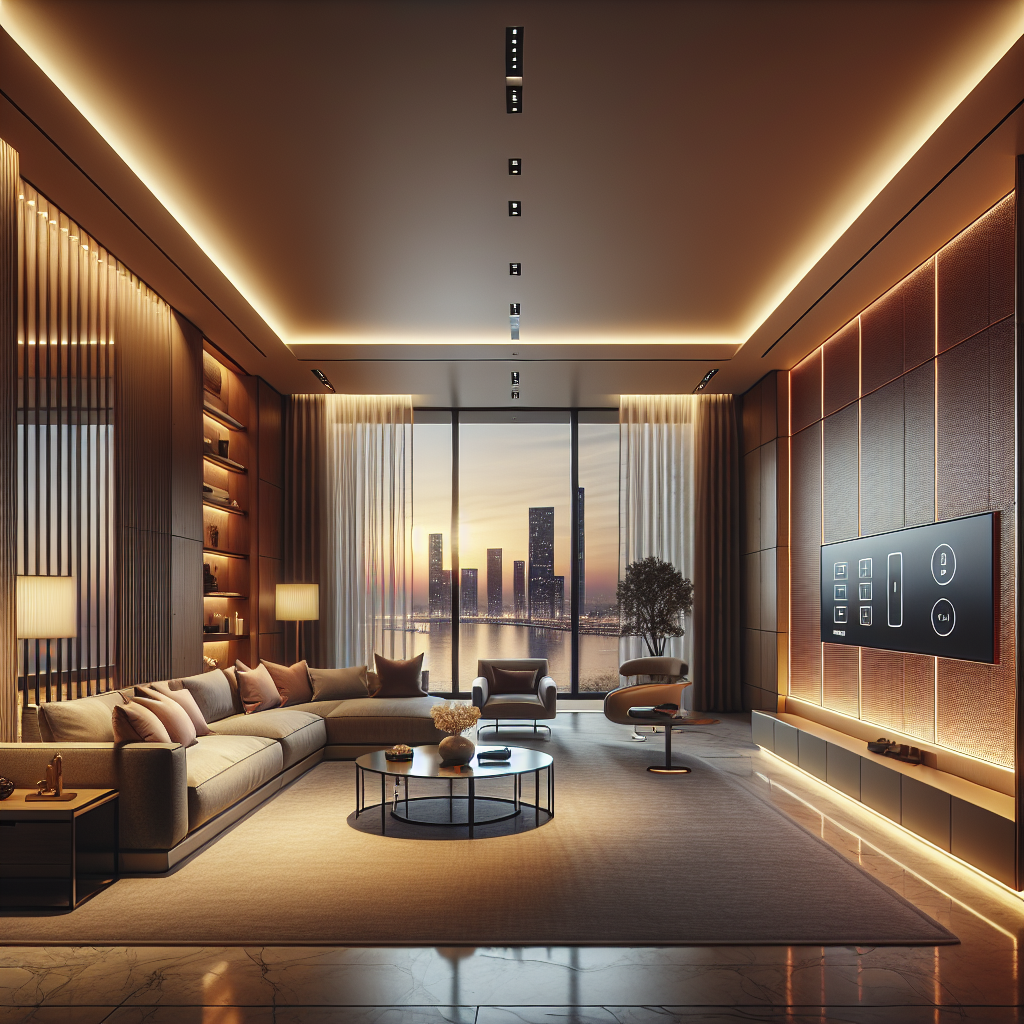
Imagine walking into your home as the evening sun dips below the horizon. Without lifting a finger, your Lutron HomeWorks system gracefully dims the lights to a warm amber glow while your Control4 system queues your favorite playlist, adjusts the climate, and arms the security perimeter. This isn't science fiction—it's the reality of a properly integrated hybrid smart home system.
As certified HomeWorks dealers with decades of combined experience, we've seen firsthand how combining Lutron's unparalleled lighting control with Control4's comprehensive automation creates something greater than the sum of its parts. But here's what most integrators won't tell you: getting these two powerhouse systems to communicate seamlessly requires deep expertise in both platforms and a strategic approach to integration.
In this comprehensive guide, we'll walk you through everything you need to know about creating a Lutron HomeWorks and Control4 hybrid system that delivers the luxury experience your clients—or your own home—deserves.
Why Combine Lutron HomeWorks with Control4?
Before diving into the technical details, let's address the fundamental question: why would anyone want to combine these two systems instead of choosing one or the other?
The Case for Hybrid Integration
Lutron HomeWorks QS (and the newer QSX platform) represents the gold standard in lighting control. With its rock-solid reliability, beautiful keypads, and precise dimming curves, HomeWorks has earned its place in the most demanding residential and commercial installations. However, HomeWorks is primarily focused on lighting and shade control.
Control4, on the other hand, excels as a whole-home automation platform. It handles audio/video distribution, security integration, climate control, and serves as the central nervous system for diverse smart home subsystems. While Control4 offers lighting control, it simply cannot match the refinement and reliability of Lutron's dedicated lighting architecture.
The hybrid approach gives you the best of both worlds:
- Lutron HomeWorks handles all lighting and motorized shade control with unmatched precision
- Control4 manages everything else while providing a unified user interface
Compatibility Overview
Understanding compatibility is crucial before beginning any integration project. Here's a comprehensive breakdown:
System Compatibility Matrix
| Lutron System | Control4 Compatibility | Integration Method | Complexity Level |
|---|---|---|---|
| HomeWorks QS | Full Support | Native Driver | Moderate |
| HomeWorks QSX | Full Support | Native Driver | Moderate |
| RadioRA 2 | Full Support | Native Driver | Low |
| RadioRA 3 | Full Support | Native Driver | Low |
| Caseta Pro | Full Support | Native Driver | Low |
| HomeWorks Illumination | Limited | Legacy Driver | High |
Communication Protocol Support
| Protocol | HomeWorks QS/QSX | Control4 | Integration Notes |
|---|---|---|---|
| RS-232 | Yes | Yes | Most reliable method |
| Ethernet/IP | Yes | Yes | Recommended for new installs |
| Telnet | Yes | Yes | Alternative to RS-232 |
| LEAP API | QSX Only | Via Driver | Newest integration option |
Feature Compatibility
| Feature | Supported | Notes |
|---|---|---|
| Zone Control | Yes | Full on/off/dim control |
| Scene Recall | Yes | Trigger HomeWorks scenes from Control4 |
| Keypad Button Events | Yes | Use Lutron keypads to trigger Control4 scenes |
| Shade Control | Yes | Position and preset control |
| Real-time Feedback | Yes | Status updates in Control4 UI |
| Occupancy Sensor Events | Yes | Trigger automation from Lutron sensors |
| Timeclock Events | Partial | Best managed in one system |
Step-by-Step Integration Guide
Now let's get into the practical implementation. This guide assumes you're working with HomeWorks QS or QSX and a current Control4 system.
Step 1: Plan Your Integration Architecture
Before touching any equipment, document your integration strategy:
- Identify the primary user interface - Will clients primarily use Control4 touchscreens/app or Lutron keypads?
- Map scene relationships - Which Control4 scenes need to trigger Lutron scenes and vice versa?
- Define feedback requirements - What status information needs to flow between systems?
- Choose your communication method - Ethernet is preferred for new installations
Step 2: Configure the Lutron HomeWorks Processor
Using Lutron's HomeWorks QS Design Software:
- Enable the integration protocol on your HomeWorks processor
- Navigate to Processor Settings > Integration
- For Ethernet integration, note the processor's IP address and ensure it's on the same network segment as your Control4 controller
- For RS-232, configure the appropriate baud rate (typically 9600 or 115200)
- Create integration IDs for all zones, scenes, and devices you want to control from Control4
- Document all integration IDs—you'll need these for the Control4 driver configuration
Pro Tip: We recommend creating a dedicated integration report in the HomeWorks software. This generates a comprehensive list of all integration IDs that you can reference during Control4 programming.
Step 3: Install and Configure the Control4 Driver
In Composer Pro:
- Add the Lutron HomeWorks QS driver from the Control4 driver database
- Configure connection settings:
- For IP: Enter the HomeWorks processor IP address and port (typically 23 for Telnet)
- For RS-232: Select the appropriate serial port and configure baud rate to match HomeWorks settings
- Add child devices for each Lutron zone, keypad, and shade you want to integrate
- Map integration IDs from your HomeWorks documentation to each Control4 device
Step 4: Program Bidirectional Control
This is where the magic happens. You'll want to create programming that allows:
Control4 to Lutron:
- Control4 scenes that include Lutron lighting states
- Control4 schedules that trigger Lutron scenes
- Control4 button presses that adjust Lutron zones
Lutron to Control4:
- Lutron keypad buttons that trigger Control4 scenes
- Lutron occupancy sensors that initiate Control4 automation
- Lutron timeclock events that trigger Control4 programming
Step 5: Test and Refine
Thorough testing is essential:
- Verify all zones respond correctly to Control4 commands
- Confirm real-time feedback updates in the Control4 interface
- Test all bidirectional triggers
- Verify scene recall timing and synchronization
- Test failover behavior—what happens if communication is interrupted?
For more detailed troubleshooting tips, check out our community thread on HomeWorks integration challenges.
Advanced Integration Techniques
Unified Scene Management
One common challenge is managing scenes across both platforms. Our recommended approach:
- Create "lighting-only" scenes in HomeWorks for pure lighting states
- Create "whole-home" scenes in Control4 that call HomeWorks scenes as one component
- Use Lutron keypads to trigger Control4 scenes (not just HomeWorks scenes) for a unified experience
Keypad Button Optimization
Lutron's beautiful keypads can become powerful Control4 controllers:
- Program single-tap for lighting scenes
- Program double-tap for whole-home Control4 scenes
- Program long-press for special functions (goodnight, vacation mode, etc.)
Visit our keypad programming best practices thread for more creative ideas from our community.
Occupancy-Based Automation
Lutron's occupancy and vacancy sensors are exceptionally reliable. Leverage them for Control4 automation:
- Trigger HVAC adjustments based on room occupancy
- Initiate security system changes when areas become vacant
- Start audio playback when entering specific rooms
The Future: AI and Machine Learning in Hybrid Systems
The smart home industry is on the cusp of a major transformation, and hybrid systems like HomeWorks/Control4 are perfectly positioned to benefit.
Predictive Automation
Future AI integration will analyze patterns across both systems to predict user needs. Imagine your home learning that you always dim the lights and start relaxing music at 7 PM on Fridays—and doing it automatically before you even think to ask.
Voice Control Evolution
While both platforms already support voice assistants, next-generation AI will enable more natural, contextual commands. Instead of "Alexa, set living room lights to 50%," you'll simply say "I'm going to read for a while" and the system will know exactly what that means for your lighting, shades, and audio.
Energy Optimization
AI will continuously optimize your lighting and shade positions based on natural light availability, energy costs, and your preferences—all while maintaining the precise control that HomeWorks provides.
Proactive Maintenance
Machine learning algorithms will predict component failures before they happen, alerting your integrator to replace a dimmer module or shade motor before you ever experience a problem.
Want to discuss how AI might enhance your specific installation? Chat with our AI agent for tailored setup recommendations based on your unique system configuration.
Frequently Asked Questions
Can I control Lutron HomeWorks lights from the Control4 app?
Yes, absolutely. Once properly integrated, all HomeWorks lighting zones appear as native devices in the Control4 app. You can control individual zones, recall scenes, and include Lutron lights in Control4 automation—all from your smartphone or tablet.
Will my Lutron keypads still work if Control4 goes offline?
Yes, this is one of the key advantages of a hybrid system. Lutron HomeWorks operates independently, so all keypad functionality and programmed scenes continue working even if the Control4 system is offline. You only lose the cross-system automation features.
Which system should handle scheduling—Lutron or Control4?
We recommend centralizing scheduling in Control4 for whole-home events and using Lutron's timeclock only for lighting-specific schedules that should persist regardless of Control4 status. This prevents conflicts and simplifies troubleshooting.
How much latency should I expect between systems?
With proper Ethernet integration, latency is typically under 100 milliseconds—imperceptible to users. RS-232 connections may add slightly more latency but remain well within acceptable ranges for residential automation.
Can I integrate HomeWorks QSX with an older Control4 system?
Yes, HomeWorks QSX is backward compatible with existing Control4 drivers. However, to take advantage of QSX's newer LEAP API features, you may need updated drivers. Check our QSX integration thread for the latest compatibility information.
Do I need a professional installer for this integration?
While technically possible for experienced DIYers, we strongly recommend working with a certified dealer for both platforms. The complexity of proper integration, combined with the investment in these premium systems, warrants professional installation and programming.
Conclusion: Achieving Smart Home Excellence
A properly integrated Lutron HomeWorks and Control4 hybrid system represents the pinnacle of residential automation. You get Lutron's unmatched lighting control paired with Control4's comprehensive whole-home automation—a combination that delivers reliability, elegance, and functionality that neither system could achieve alone.
The key to success lies in thoughtful planning, proper configuration, and expert programming. Whether you're an integrator looking to expand your capabilities or a homeowner seeking the ultimate smart home experience, understanding these integration principles is essential.
Have questions about your specific project? Our community forums are filled with experienced integrators and HomeWorks specialists ready to help. And for personalized guidance, don't hesitate to chat with our AI agent—it's trained on thousands of real-world integration scenarios and can provide tailored recommendations for your unique situation.
Ready to take your integration expertise to the next level? IxomeAI Pro members get access to exclusive deep-dive tutorials, priority support from certified HomeWorks dealers, and advanced programming templates that can save hours on every project. Learn more about Pro membership and join the community of smart home professionals who demand excellence.